A data center decommissioning goes smoothly when six things are settled before anyone touches a rack: the project boundary, the inventory of data-bearing media, the sanitization route for each media type, the custody handoffs, the reuse and recycling paths, and how the final inventory will be reconciled and reported. This checklist walks through each step and notes what changes when the hardware being retired was built for AI workloads.
What Is Data Center Decommissioning?
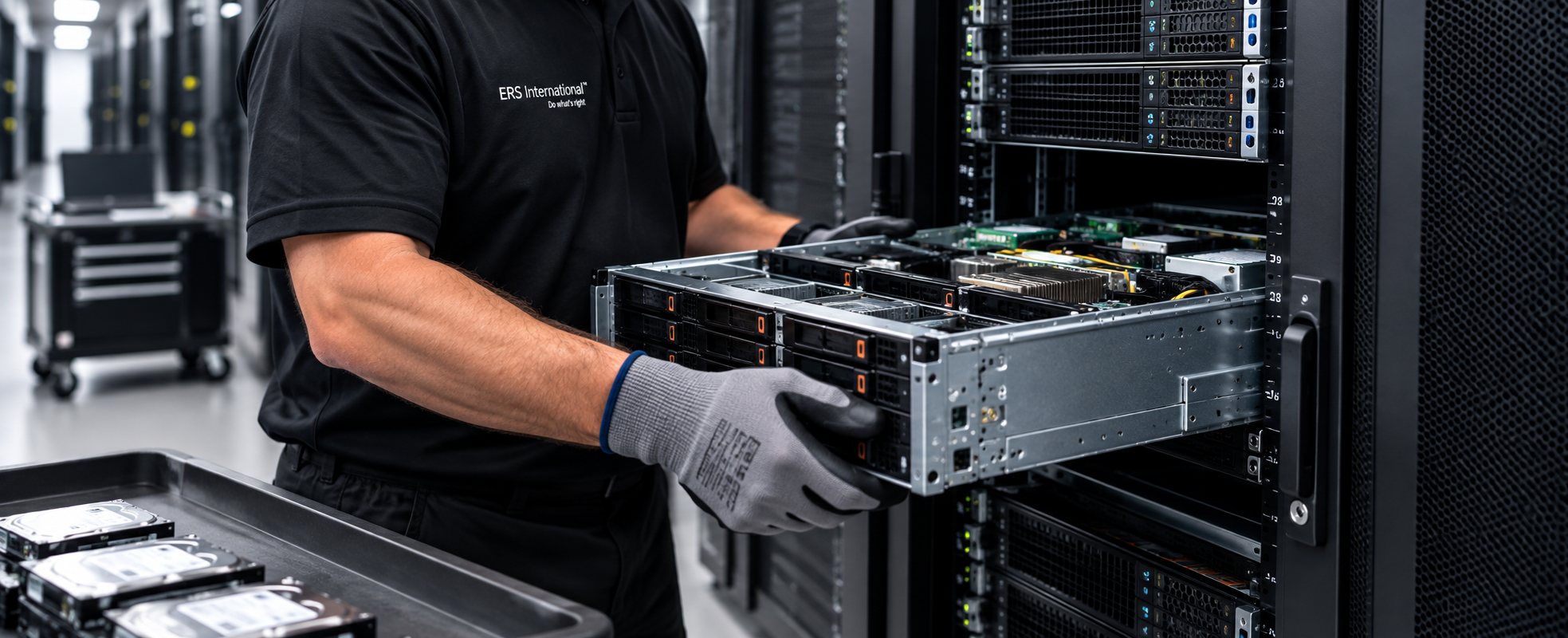
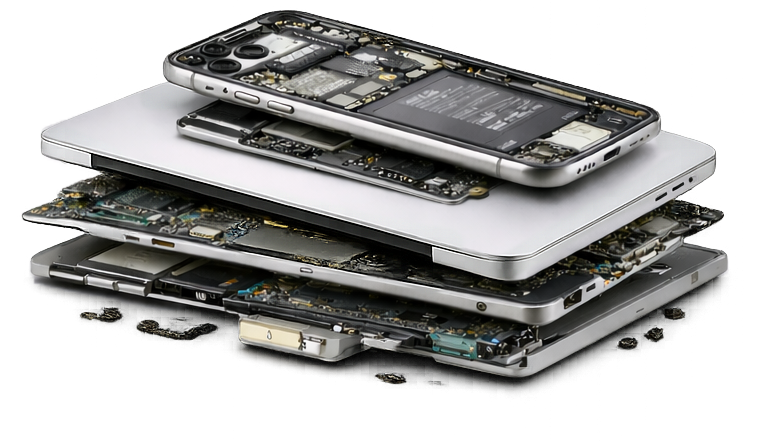
Data center decommissioning is the planned retirement of an entire facility, hall or block of racks rather than a routine device refresh. It follows a migration to new infrastructure or the cloud, a consolidation, a colocation exit or a site closure. The scope is wider than servers: storage arrays, networking and security appliances, out-of-band management controllers, backup media, KVMs, racks, power distribution units, cabling and UPS batteries all need a destination.
If you are new to the underlying process, our guide What Is ITAD? covers the fundamentals, and What Happens to a Server After It Leaves a Data Center? follows the equipment downstream.
Why AI-Era Refreshes Raise the Stakes
Facilities are being refreshed faster to support AI and high-performance computing, and the hardware coming out is different from a decade ago. Racks are denser and heavier. A single server may hold many more drives, and much more data, than its predecessor. Accelerator cards and recent-generation servers can carry significant residual value, which makes reuse and remarketing decisions worth planning rather than defaulting to recycling. Some facilities use liquid cooling that needs qualified handling before equipment can move. And a growing share of equipment is leased or financed, so contract terms decide who retires what.
None of this changes the steps below; it raises the cost of skipping them.
Step 1: Define the Project Boundary
- List exactly which halls, cages, racks and equipment are in scope, and which belong to the colocation provider, a landlord or another tenant and stay.
- Map dependencies: what must be migrated or shut down first, and in what order.
- Name who authorizes the shutdown of each system and who confirms it is safe to remove.
- Fix the timeline against any lease, colocation or facility handover date, including access windows, escort requirements and loading-dock rules.
- Agree on a single project owner on your side and one on the provider's side.
Step 2: Inventory Every Data-Bearing Component
Export the inventory from your DCIM or CMDB rather than building it by hand, then walk the racks to confirm it. Track data-bearing media separately from the chassis that holds it, because drives and servers can take different routes.
- Servers, with the number and type of drives in each (SATA, SAS, NVMe).
- Storage arrays, SAN and NAS shelves, and any drives held as spares.
- Backup tapes and removable media.
- Network and security appliances, which hold configurations, credentials and logs.
- Out-of-band controllers and KVMs.
- Accelerator and specialty cards: confirm with the manufacturer which components hold persistent data and treat them accordingly.
Record serial numbers, asset tags, rack and unit positions, and a data-bearing flag for every line.
Step 3: Choose the Sanitization Route for Each Media Type
Decide the method before removal, not at the loading dock.
- Erasure following a recognized standard such as NIST SP 800-88 Rev. 2 preserves the device for reuse or remarketing and produces a verifiable log.
- Physical destruction is final and is often chosen for the most sensitive media, or where drives fail erasure.
- On site or off site. Mobile destruction before transport removes the risk of data in transit; off-site processing after a documented custody transfer is common for large volumes.
- Verification and exceptions. Agree what evidence you will receive (logs, serial-level records, witnessed or recorded destruction) and what happens when a drive cannot be erased.
- The certificate. A certificate of data destruction listing each drive by serial number, the method and the date.
Our data destruction services page describes the methods ERS International offers.
Step 4: Plan the Physical Removal and Custody Handoffs
- Sequence de-racking so that data-bearing media is pulled, packed and sealed first, with counts and seal numbers recorded.
- Photograph pallets and sealed containers at loading.
- Name who signs at each handoff: your site, the transport, receipt at the facility, storage and processing.
- Decide the route for racks, PDUs, cabling and UPS batteries, which are handled as separate streams.
- Confirm how broken seals or count differences at receipt are reported and resolved.
Step 5: Decide Reuse, Remarketing and Recycling Paths
Recent-generation servers, storage and accelerators may be redeployed inside your organization, refurbished and remarketed, or returned to a lessor. Older equipment goes to certified recycling and material recovery. Decide the criteria before the project so the provider can grade equipment consistently, and keep the value-recovery decision separate from the data decision: a device can be worth reselling and still require its drives to be destroyed.
Some hardware categories carry trade or export considerations when remarketed across borders. Confirm the position with your legal team before committing to a resale route.
Step 6: Reconcile and Close
- Reconcile equipment received against the inventory, line by line, and resolve every variance in writing.
- Collect certificates of data destruction and certificates of recycling.
- Collect environmental reporting if your program includes it, with the method and boundaries stated.
- Obtain the facility or colocation provider's sign-off that the space is cleared.
- File the reconciled inventory and certificates together as one project record, retained according to your policy.
The Data Center Decommissioning Checklist
- Scope defined: halls, racks and equipment in, everything else out.
- Dependencies mapped and shutdown sequence approved.
- Handover date, access windows and dock rules confirmed.
- Inventory exported from DCIM or CMDB and verified by walking the racks.
- Every data-bearing component flagged, with drives tracked separately.
- Sanitization method chosen per media type; on-site or off-site decided.
- Verification evidence and exception path agreed.
- Custody signatories named for every handoff.
- Packing, sealing, counting and photo method agreed.
- Reuse, remarketing, lease-return and recycling criteria set.
- Streams for racks, PDUs, cabling and batteries assigned.
- Reports required at close listed by name.
- Facility sign-off and record retention planned.
Five Questions to Ask a Decommissioning Partner
- How will you track drives separately from servers, and how does that appear in the final report?
- Which sanitization methods do you apply to each media type, and how are results verified?
- Can destruction be done on site, and what documentation follows it?
- How do you reconcile received equipment against our inventory, and how are variances reported?
- Which certifications apply to the specific facility that will process our equipment?
What This Checklist Does Not Cover
Legal and regulatory requirements vary by province, state and country. Lease and financing agreements define their own return conditions. Facility safety items such as batteries, refrigerants and cooling fluids must be handled by qualified contractors under local rules. Confirm these with your legal, facilities and compliance teams.
How ERS International Supports Data Center Decommissioning
ERS International supports partners through data center decommissioning, secure data destruction and IT asset disposition, with serialized tracking and reporting from collection to final disposition. If you have a migration, consolidation or site closure ahead, our team can help scope the project and define the records you will need at close.
Frequently Asked Questions About Data Center Decommissioning
Can drives be destroyed on site before anything leaves the building?
Often, yes. Mobile destruction units can process drives at your facility, and the certificate is issued for each serial number. Availability depends on location and volume, so confirm it when scoping the project.
Should we wipe servers ourselves before the provider arrives?
You can, as an extra layer, but keep your own log and tell the provider. The provider's verified, documented sanitization is what supports your records at audit.
What happens to racks, cabling and UPS batteries?
They are handled as separate streams. Racks and cabling are typically reused or recycled for metal recovery, and batteries go to specialized processing. Agree the route for each in Step 4.
How long does a decommissioning take?
It depends on scale, access windows and the amount of data-bearing media. Agree milestones for inventory verification, removal, processing and final reporting rather than a single date.
Planning a Data Center Exit?
Talk with ERS International about scoping your decommissioning project and the records your team needs at close.
Scope a Decommissioning Project
Request a Pickup
Related Reading
Explore Our Services